How Does it work?
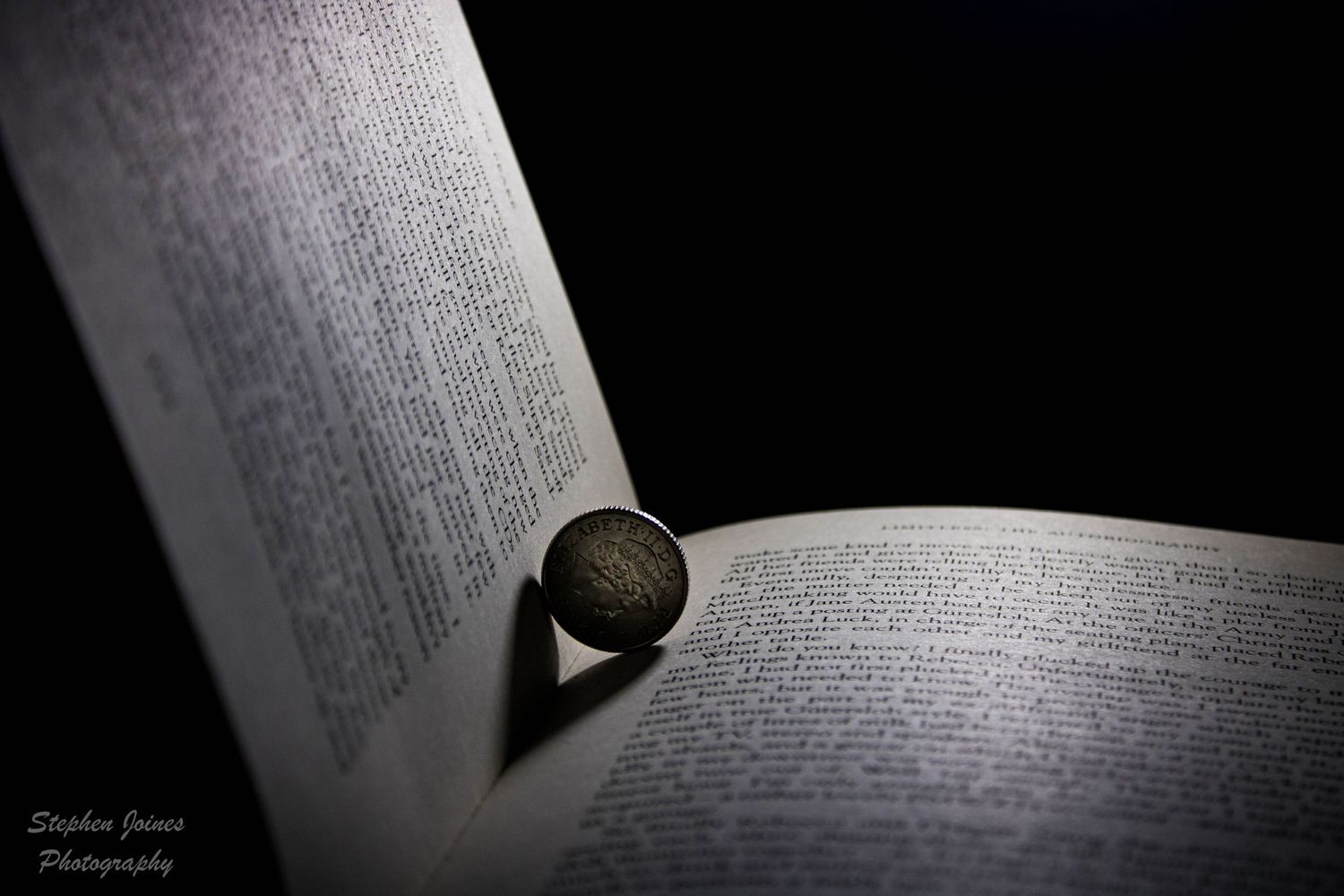
This is a simple trick. Your subject needs to be bigger than the support item. For example, The car shot had the cardboard from a toilet roll underneath. Because its smaller than the object your shooting the light doesn't reflect much off of it. So, the camera can't se it.
Settings
Now, these are not set in stone. But a good starting point is :-
- ISO - 100 (or lower if you can)
- Aperture :- F8
- Shutter speed :- 5 seconds.
Because your shooting at such a slow shutter speed, you will need a tripod. (Or use books etc if you don't have one). You need to keep this stable or you will get a blurry image.
Light Source
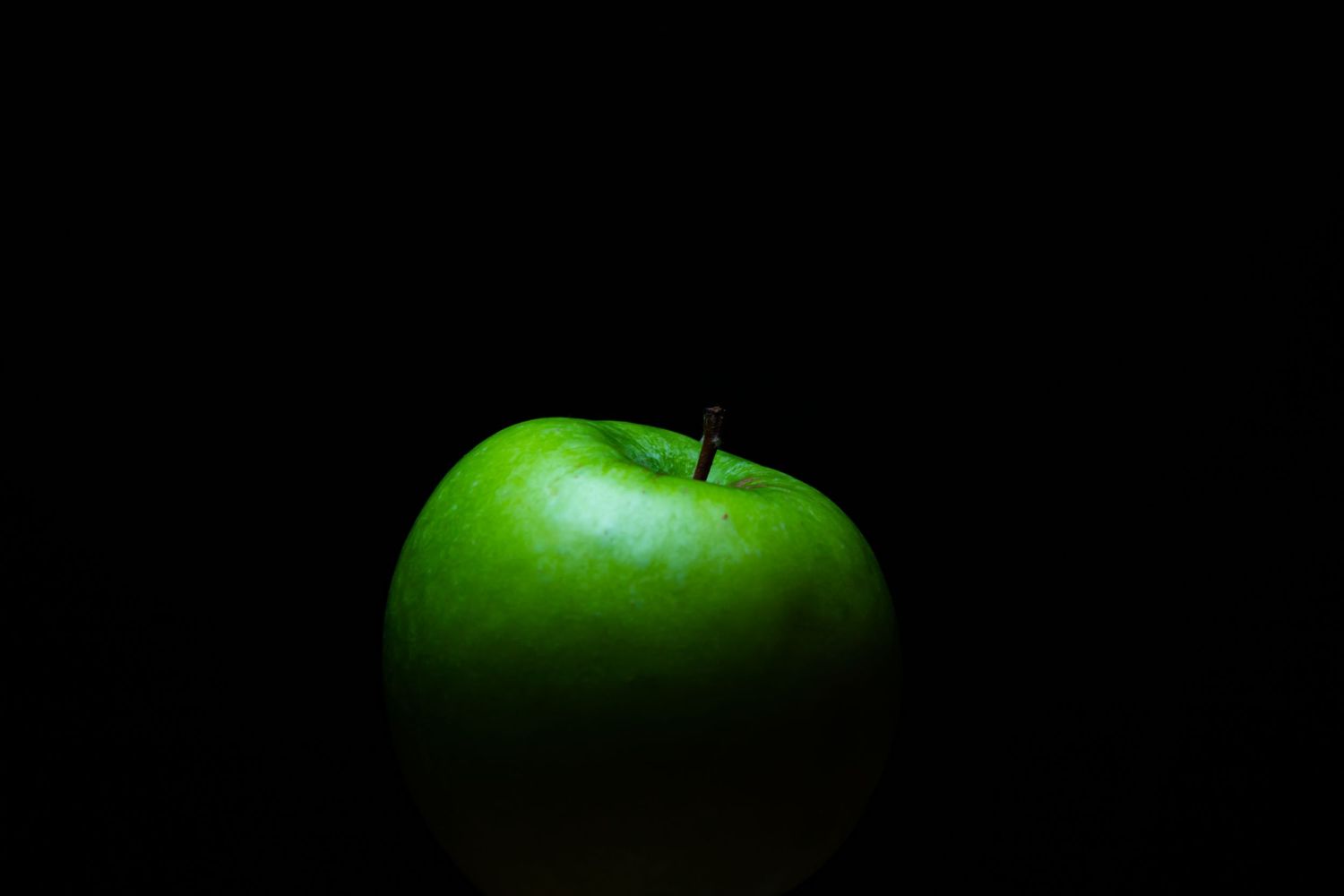
As shown in a previous video (Lockdown Boredom busting photography - with an apple) you need soft light. So, use a white screen from a mobile phone. A flash (even at low setting) produces to much light. So, by using a phone screen you "Wave" the light over your subject. Its that simple.
Image to dark or to light?
This is simple to rectify!
- To Dark? - Decrease the shutter speed by 1 stop (from say 4 to 5 seconds)
- To Light? - Increase the shutter speed by 1 stop (From say 5 to 4 seconds)
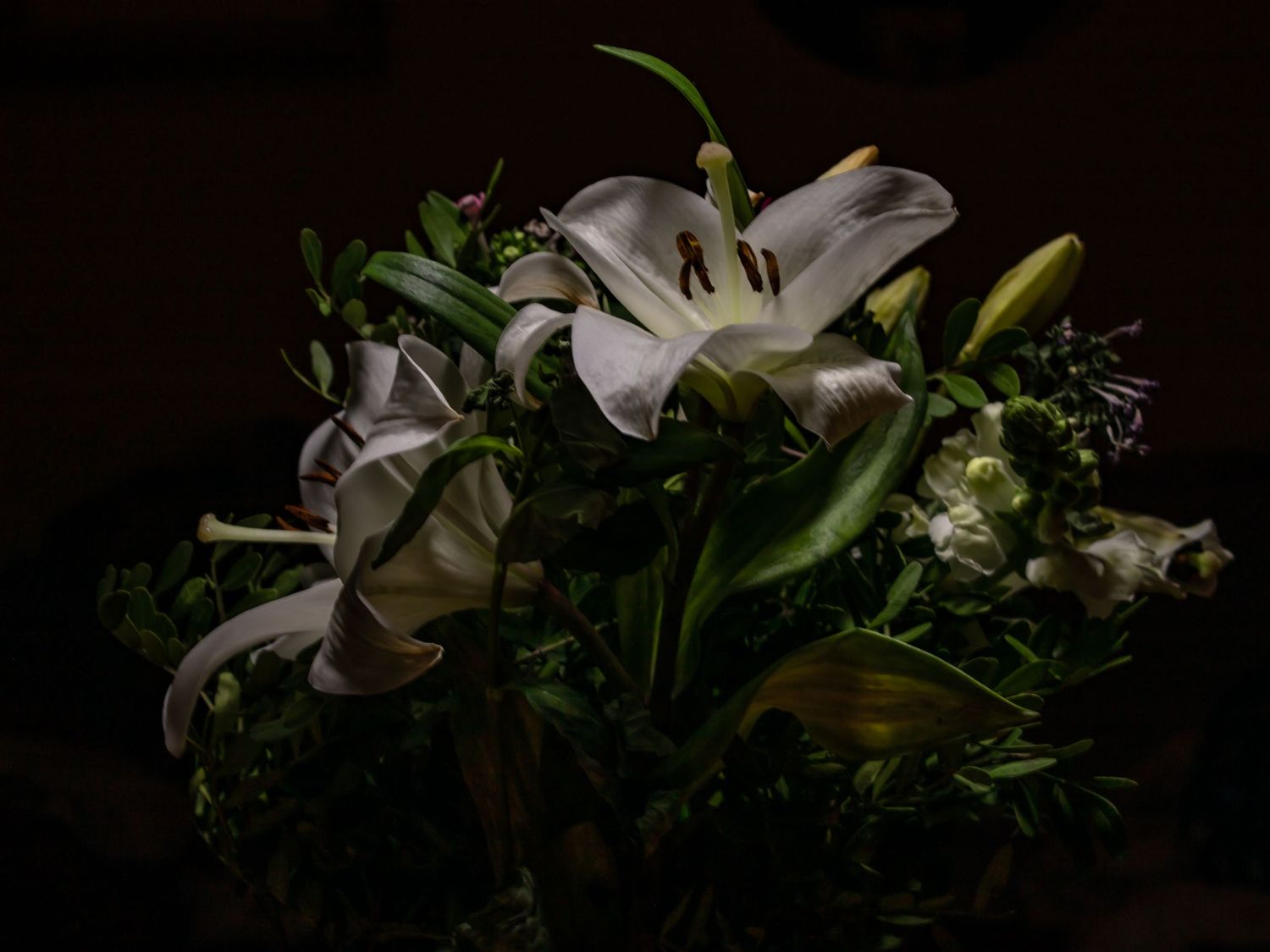
The results
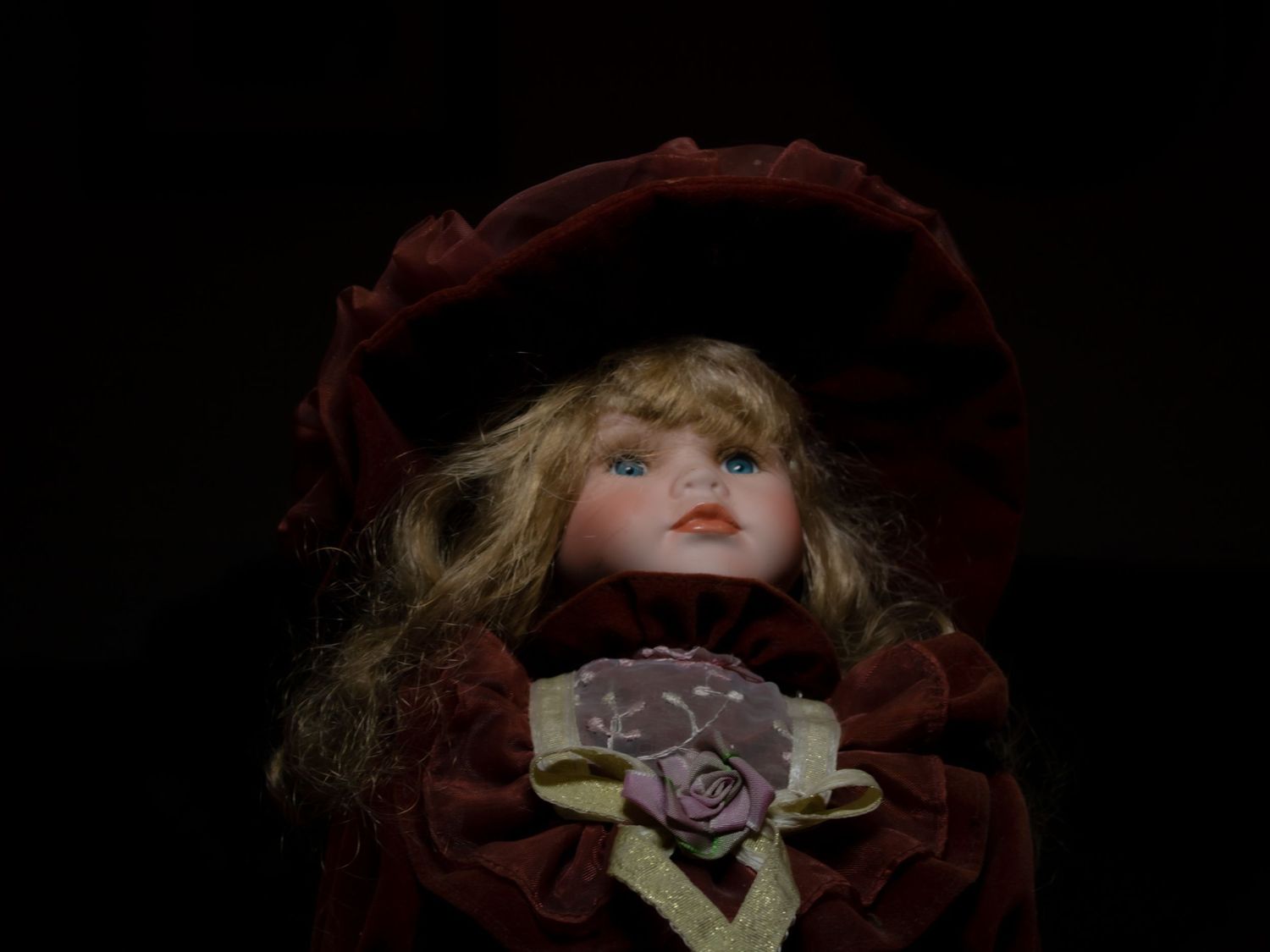
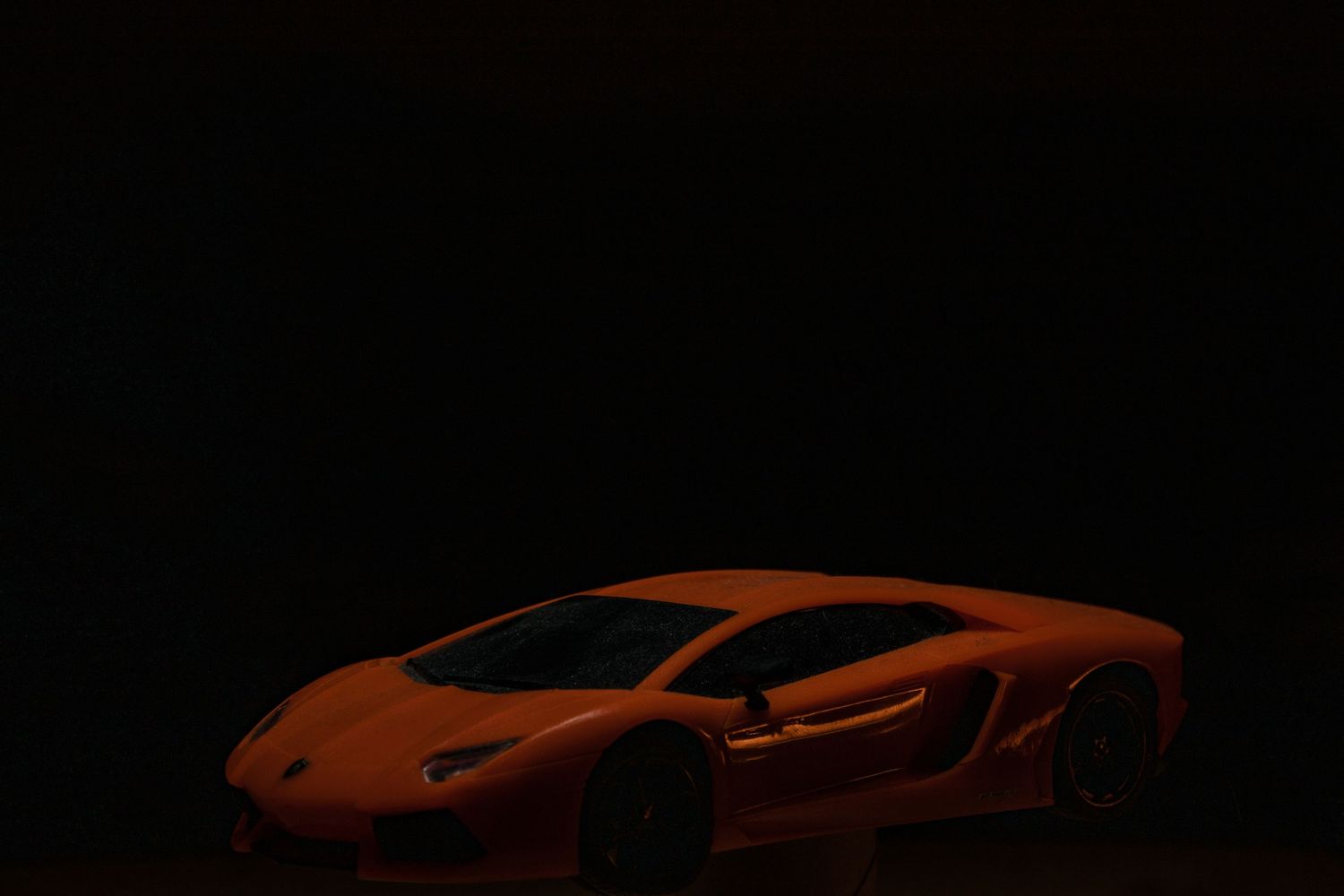
The video
Should you want to watch the video of me doing this then CLICK HERE.
Don't want to miss more photography stuff? The don't forget to subscribe to my YouTube channel.