Understanding the Technology
Image Sensors
Megapixels and Image Resolution
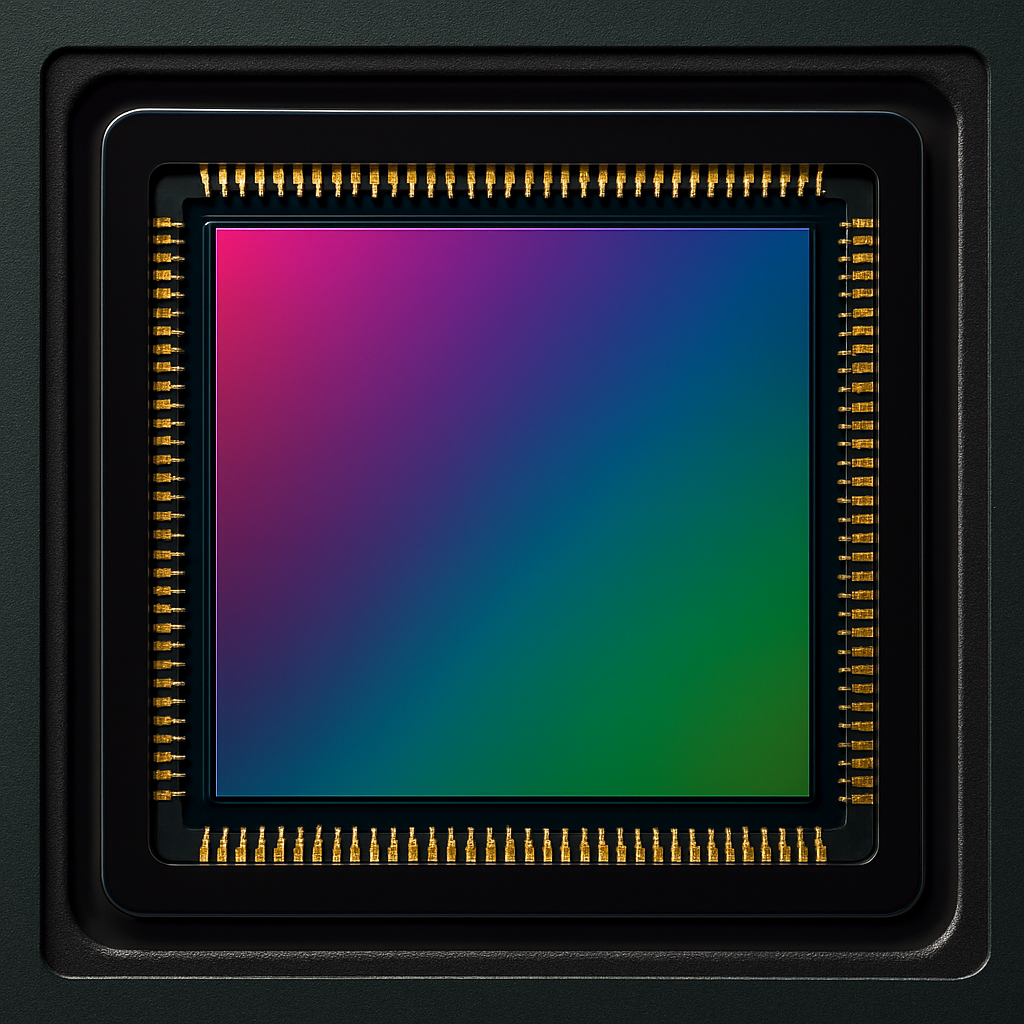
A megapixel is a unit of measurement that describes the size and resolution of images a digital camera can produce. Specifically, it refers to the number of individual light-sensitive elements, or pixels, located on the camera’s image sensor.
An image sensor with a resolution of one megapixel contains approximately one million pixels. Modern compact, rangefinder, and DSLR cameras feature sensors packed with many millions of these tiny elements, all fitted onto a remarkably small surface area.
Early digital cameras typically featured sensors with only one or two megapixels, significantly limiting the size and quality of printed images. In contrast, today’s cameras commonly offer 20 megapixels or more, easily supporting large, high-quality photo prints.
While the number of megapixels affects image size, what truly impacts image quality is the technology behind the sensor and the physical size of the sensor itself.
The resolution of a digital photograph is determined by the total number of pixels it contains. Camera specifications usually list two key numbers under the image sensor information: the horizontal and vertical pixel counts.
For example, the Canon EOS 6D, with its 20-megapixel sensor, records images that are 5,472 pixels wide by 3,648 pixels tall. Multiplying these figures gives the total number of pixels — approximately 20 million — corresponding to a 20-megapixel resolution.
Understanding the Technology
Image Sensors
From Film to Image Sensors
In the transition from traditional film to digital photography, the image sensor has taken centre stage as the core component for capturing a scene.
Today, two primary types of image sensors are used in both compact cameras and interchangeable lens systems, including DSLRs:
- CCD (Charged Coupled Device)
- CMOS (Complementary Metal-Oxide-Semiconductor)
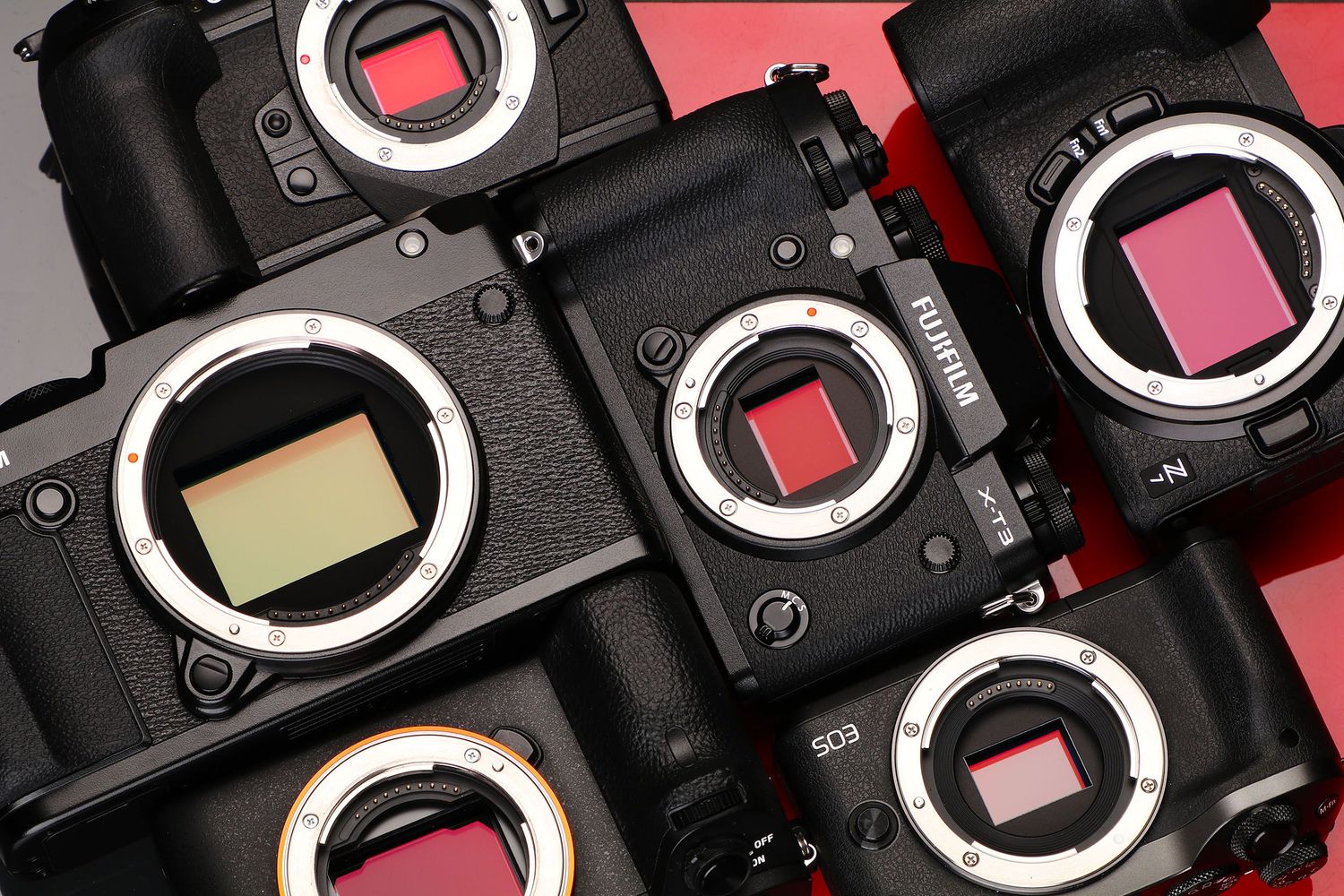
Within these sensor types, most digital SLR cameras utilize sensors that fall into one of three main size categories, listed from largest to smallest: Full Frame, APS-C, and Four Thirds.
While sensor size does not solely determine image quality, it plays a significant role in one critical aspect: the crop factor.
As the physical size of the sensor decreases, so does the field of view captured through the viewfinder. In effect, smaller sensors "crop" the scene, omitting parts of the image that a full-frame sensor would preserve.
This cropping effect makes photos appear as though they were taken with a longer focal length lens. For example, APS-C sensors typically introduce a crop factor of 1.5x or 1.6x, while Four Thirds sensors have a 2x crop factor.
Understanding how sensor size influences field of view is key when choosing a camera system suited to your photographic needs.
Understanding the Technology
Image Sensors
Crop Sensors
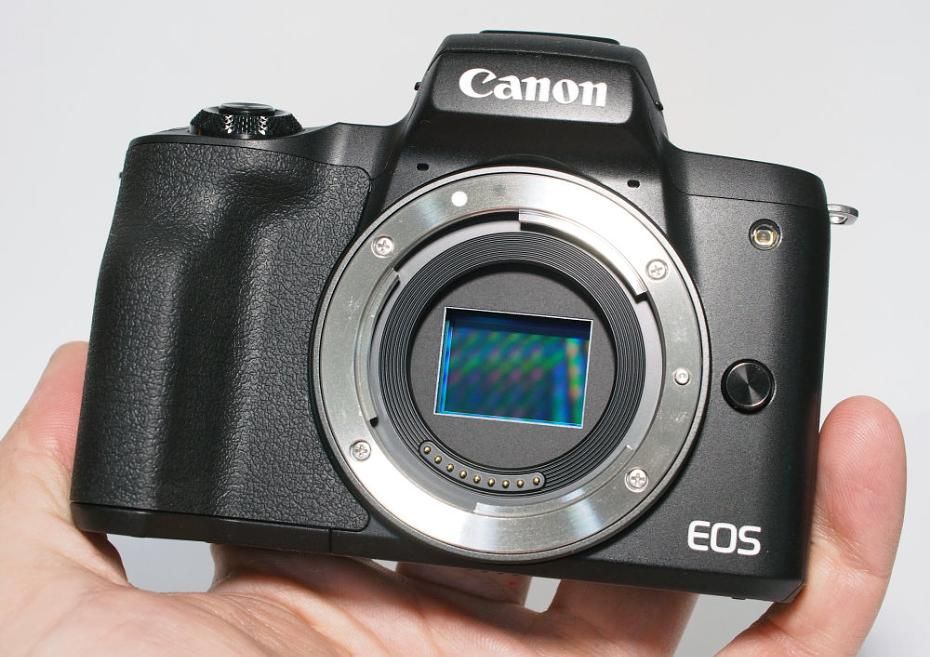
When working with a camera that has a crop sensor, most users will find that it does not pose a major limitation. Leading manufacturers design lenses specifically for crop-sensor bodies—for example, Nikon’s DX series or Olympus’s M.Zuiko line for their PEN range—ensuring optimal performance and compatibility.
However, understanding crop factor becomes critical when transitioning from a film SLR to a digital SLR with a cropped sensor, particularly if you plan to use your older lenses.
Here’s an example: a traditional 50mm lens, when mounted on a camera with a 1.5x crop factor, will behave more like a 75mm lens in terms of field of view. This change can come as a surprise if you’re accustomed to full-frame performance.
It’s important to note that crop factor is not entirely a disadvantage. While it narrows the field of view at the wide-angle end, it provides a real benefit for telephoto work. A 300mm lens, for instance, will deliver an effective focal length of 450mm on a cropped sensor, allowing you to get closer to distant subjects without additional equipment.
Understanding this principle helps you make informed choices about your gear and better anticipate how your lenses will perform in different shooting situations.
Understanding the Technology
Image Sensors
Full Frame
When choosing between a cropped sensor and a full-frame camera, cost often becomes a key factor. Cropped sensor bodies tend to be much more affordable, making them a popular choice for photographers working within a budget. Full-frame cameras, on the other hand, have traditionally carried a premium price, partly due to the prestige and performance they offer. That said, this is beginning to change. For instance, when Nikon introduced the D600 in late 2012, it offered full-frame capabilities at a price similar to top-end crop-sensor DSLRs.
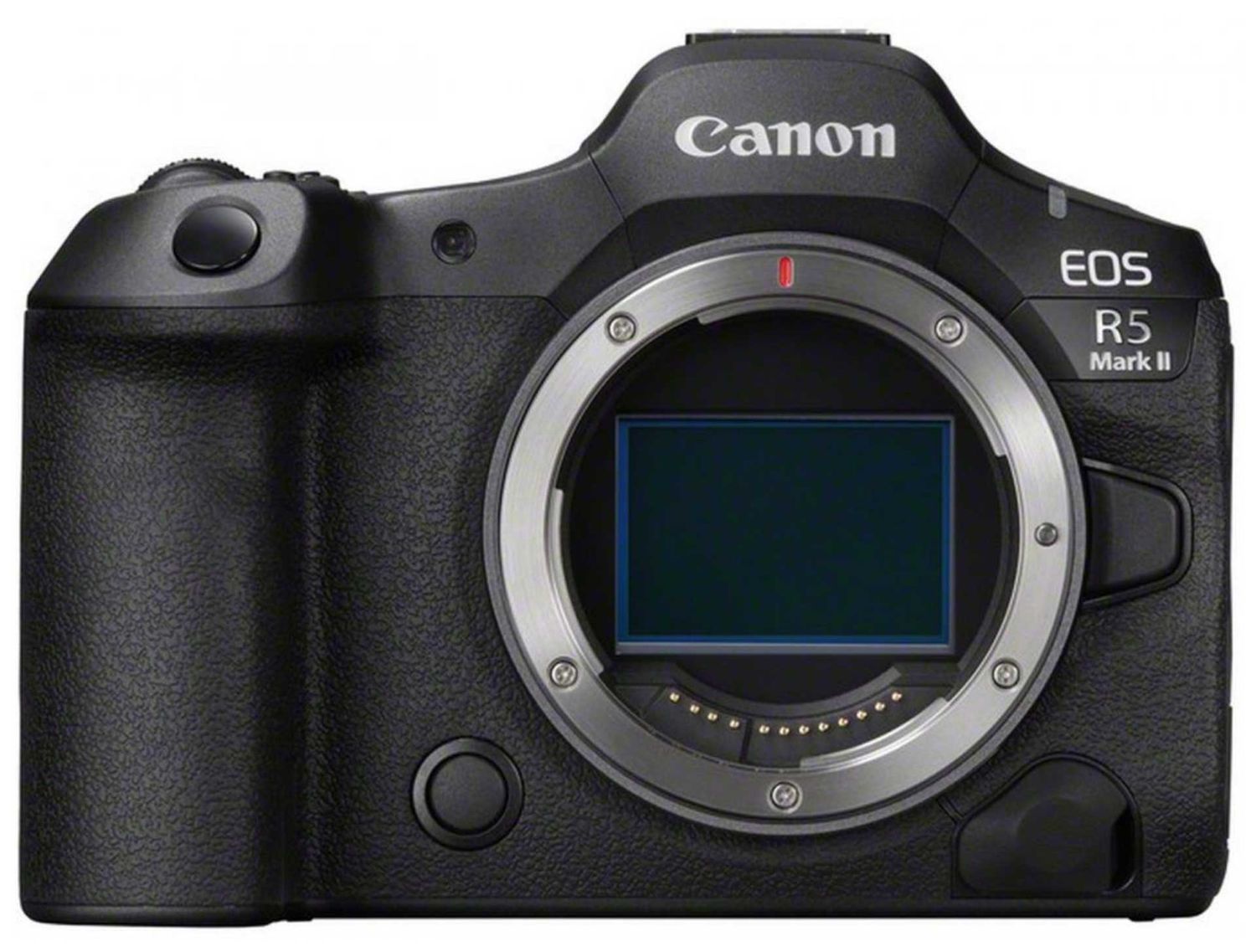
The term “full-frame” refers to a sensor that matches the size of a single frame of traditional 35mm film. Full-frame DSLRs not only offer larger sensors, but also typically feature bigger, brighter viewfinders, which can make composing shots more intuitive and enjoyable.
If you already have a collection of lenses from your film SLR days, and your budget allows, moving to a full-frame camera is often the most logical choice. Doing so preserves your lenses' original field of view, saving you from recalculating focal lengths.
Another major advantage of full-frame sensors is their outstanding low-light performance and high ISO capabilities—something well demonstrated by models like the Nikon D800.
However, it’s important to consider the trade-offs. While you lose the apparent "reach" that a crop sensor provides for telephoto shooting, you’ll also need to account for the higher cost and the larger, heavier camera bodies that full-frame systems typically demand.
Understanding the Technology
Image Sensors
APS-C Sensors
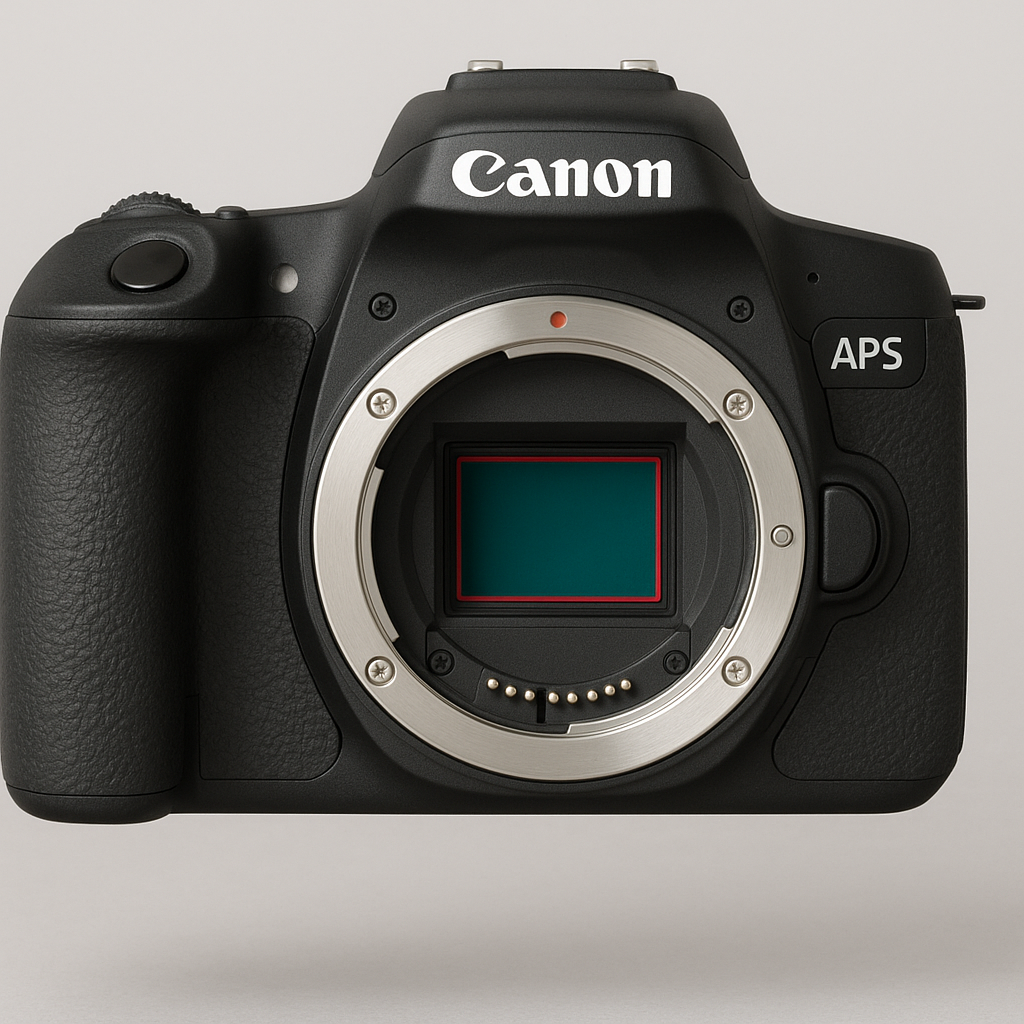
The APS-C (Advanced Photo System type-C) sensor is one of the most widely used formats in digital photography. It’s adopted by leading camera manufacturers such as Canon, Nikon, Pentax, and Sony, and is especially common in entry-level to mid-range DSLR and mirrorless systems.
APS-C sensors are smaller than full-frame sensors, which results in a crop factor—typically 1.5x for most brands and 1.6x for Canon. This crop factor effectively narrows the field of view of any attached lens. For example, a 50mm lens on an APS-C body behaves more like a 75mm or 80mm lens in terms of composition. This characteristic is important to consider when selecting lenses for specific types of photography, particularly wide-angle or landscape work.
To address this, manufacturers offer lenses designed specifically for APS-C sensors. These lenses help achieve true wide-angle perspectives despite the crop factor. Additionally, they are often more compact, lightweight, and affordable than their full-frame equivalents, making them a popular choice among enthusiasts and professionals alike.
Despite the format differences, APS-C cameras are compatible with full-frame lenses. This provides flexibility for photographers who may already own a collection of full-frame glass or want to invest in higher-quality optics. However, using full-frame lenses on APS-C bodies means the focal length will still be affected by the crop factor, which can significantly influence framing and composition.
In summary, the APS-C format offers an excellent balance of performance, affordability, and versatility. Understanding how the crop factor affects lens behavior is essential for making informed decisions and achieving the desired photographic results
Understanding the Technology
Image Sensors
Four-Thirds Sensor
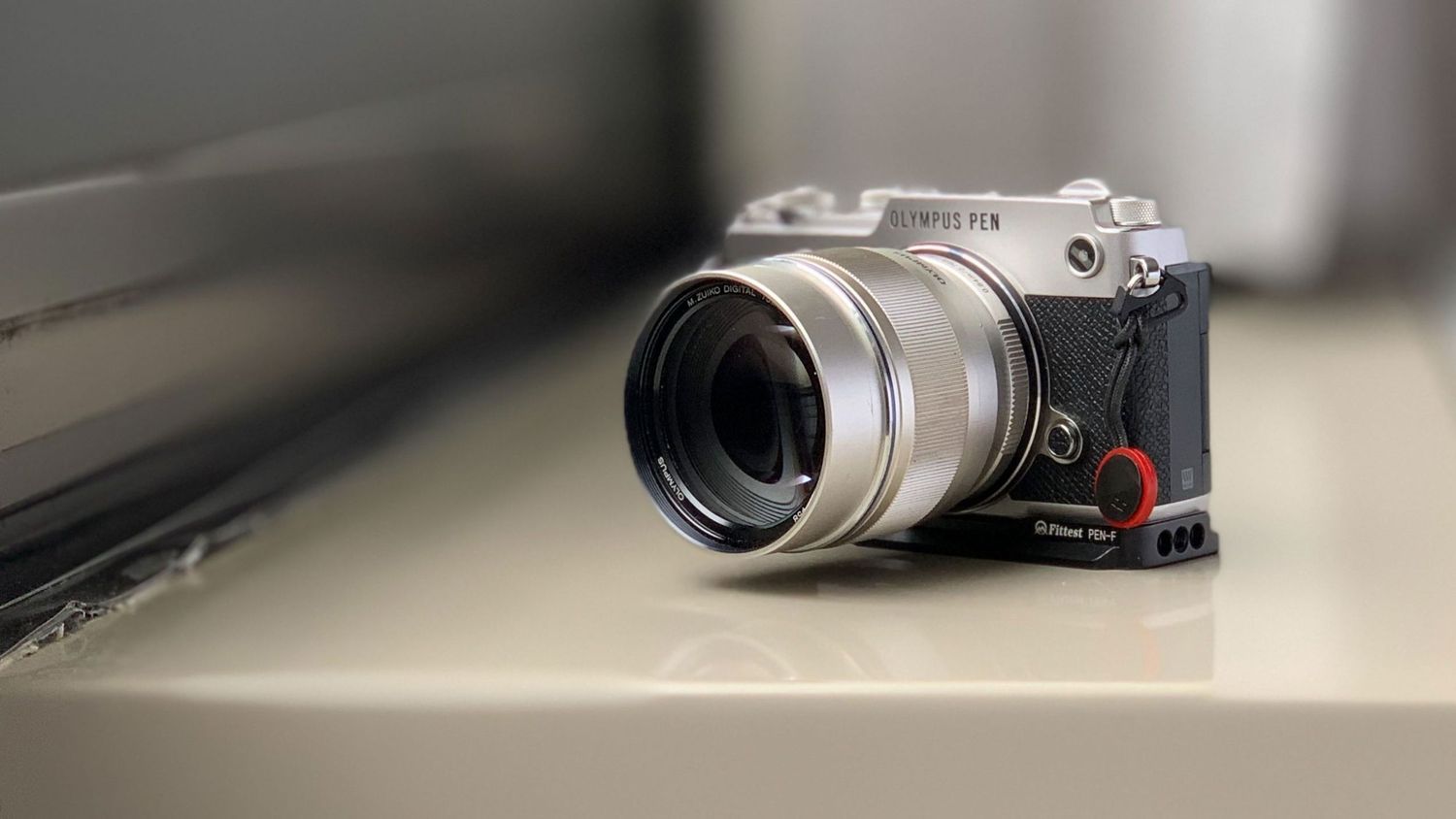
Olympus introduced the Four-Thirds sensor format to provide high-quality digital imaging in a more compact and lightweight form factor than traditional SLR systems. This innovation was aimed at photographers seeking portability without sacrificing image performance.
While adoption was initially modest, Olympus and Panasonic have successfully implemented the format across their lines of digital SLR and mirrorless cameras. Their continued investment has established the Four-Thirds system as a practical and capable option for serious photography.
Unlike APS-C or full-frame sensors, the Four-Thirds format was developed exclusively for digital use, not based on 35mm film standards. This led to the creation of a dedicated lens mount, enabling a new generation of compact, digitally optimized lenses.
Thanks to the smaller sensor size, Four-Thirds cameras are typically more compact, contributing to the rise of the advanced interchangeable-lens camera market. This space, once dominated by bulky DSLRs, now includes lighter options that appeal to both enthusiasts and professionals.
For photographers who prefer to avoid the size and weight of traditional DSLRs, the Four-Thirds system offers an excellent alternative. While smaller sensors can theoretically introduce more image noise due to densely packed pixels, advancements in image processing from Olympus and Panasonic have largely mitigated this. As a result, these systems deliver impressive image quality under a wide range of conditions

Understanding the Technology
Image Sensors
Resolution
In the early days of digital photography, a 3-megapixel camera represented the pinnacle of consumer technology. At the time, image resolution was a major topic of discussion—particularly how those limited pixels translated to print quality.
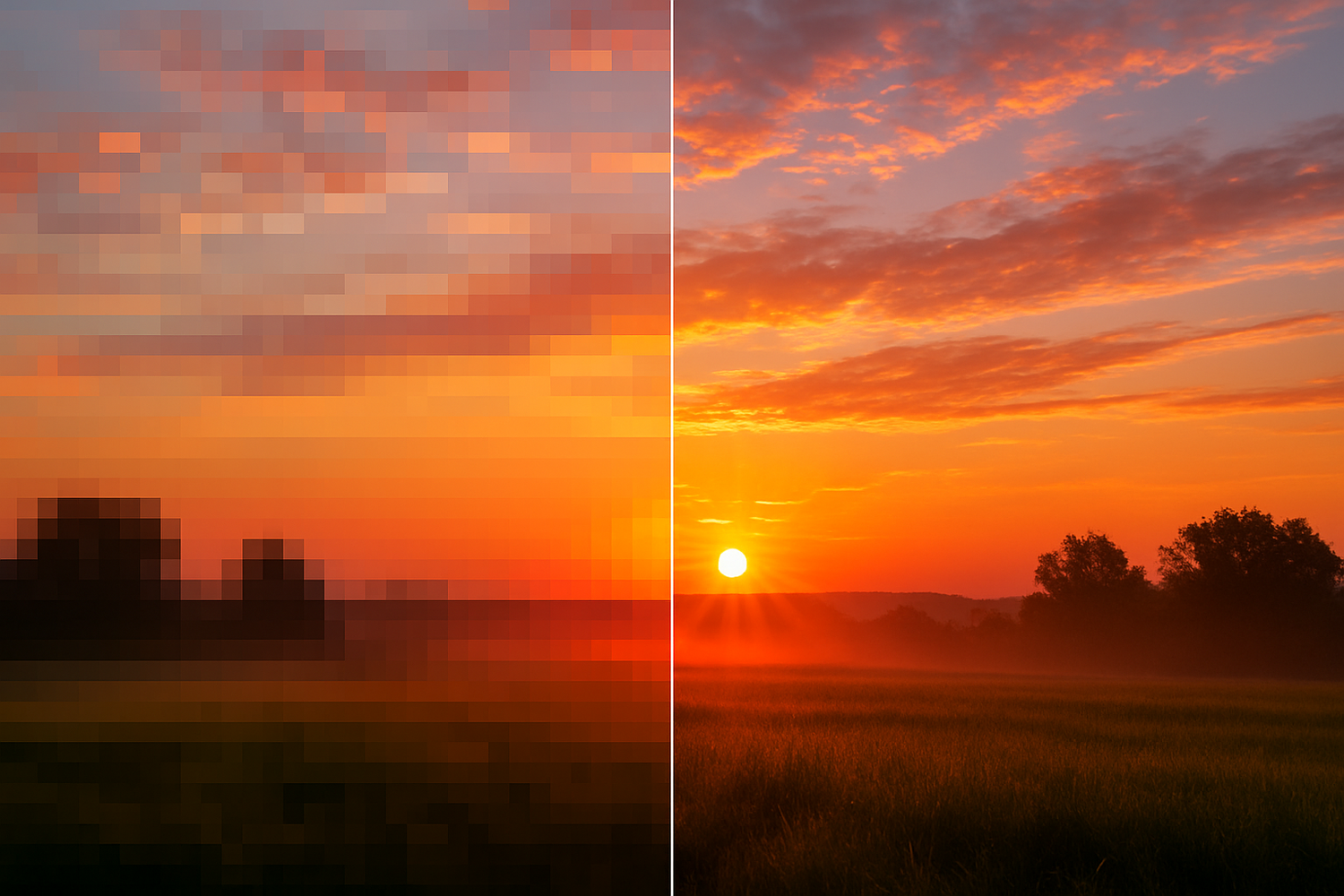
With only a few million pixels available on the sensor, the size and clarity of printed photographs were directly affected. A 3-megapixel image could produce high-quality prints at a standard 6x4-inch size. However, enlarging that same image to twice the dimensions would noticeably degrade the quality, resulting in a blurred or pixelated appearance. This was simply due to the finite number of pixels being stretched over a larger surface area.
Today, producing high-quality enlargements is far less of a challenge. Even entry-level digital cameras now offer enough resolution to create sharp, detailed prints at sizes like 10x8 inches without visible pixelation.
Still, for any enthusiastic digital photographer, it's essential to understand how your camera's resolution impacts print output. Knowing the relationship between megapixels and print size helps ensure your images look their best—whether displayed in an album or framed on a wall.
Understanding The Technology
Pixels and Resolution
Introduction
You can change the resolution of a photograph without affecting its actual pixel data. What you're adjusting is simply the physical size at which the image will be printed—not the image content itself.
Images with a lower pixel count inherently have a lower resolution, which can lead to a noticeable reduction in print quality. Attempting to improve these images by printing them at a higher resolution doesn’t solve the problem. Instead, the software compensates through a process called interpolation, where it artificially enlarges each pixel to fill the space. This often results in a blurred or blocky appearance commonly referred to as pixelation.
.
Understanding The Technology
Pixels and Resolution
The Magic Formula
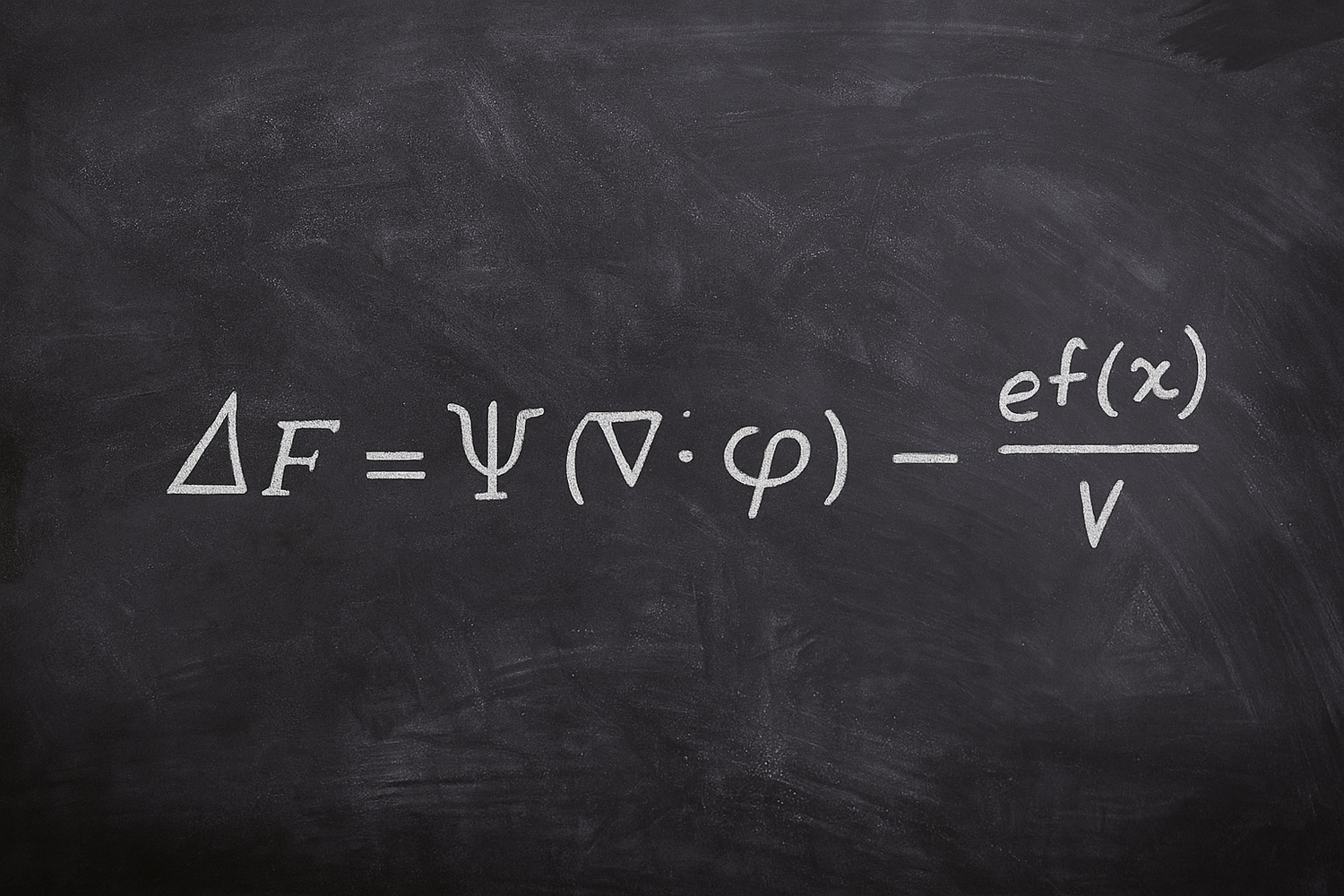
In digital photography, print resolution is typically measured in pixels per inch (PPI), though the term dots per inch (DPI) is often used interchangeably. While PPI refers to the resolution of a digital image, DPI is technically associated with printer output, but in common usage, the distinction is frequently blurred.
There is ongoing discussion around the ideal PPI for producing the highest quality prints. This debate exists because visual perception varies depending on the type of image, its colour and detail, and the distance from which it is viewed.
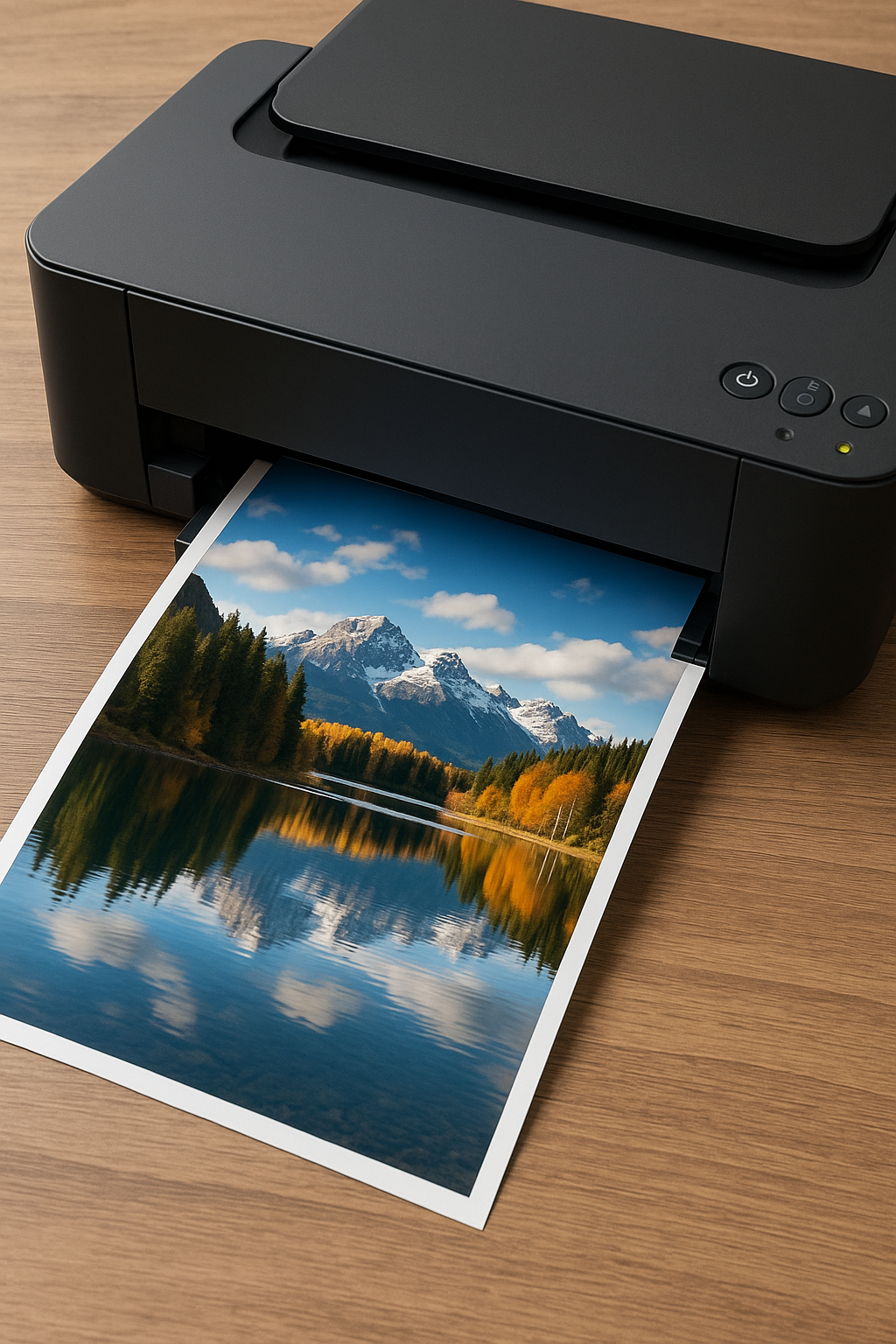
For example, a large advertising banner viewed from 10 metres away can appear crisp and sharply detailed. However, upon closer inspection, what seemed like fine detail is often revealed to be a collection of individual coloured dots. This illustrates how perceived resolution is influenced not just by pixel density, but also by viewing distance and context.
.
Understanding The Technology
Pixels and Resolution
Images to print
When preparing a digital photograph for print, significantly higher image resolution is required compared to images intended solely for screen display.
Image resolution refers to the number of pixels contained within a specific area, typically measured in pixels per inch (ppi). A higher pixel density results in greater detail and clarity.
Inkjet printers generally produce optimal results when printing images with a resolution between 200 and 300 ppi. For example, images in professionally printed materials such as magazines or photo books are typically rendered at 300 ppi, a resolution that provides excellent sharpness and detail when viewed at close range.
Each pixel in a digital image contains vital information—such as color, brightness, and shading—that collectively forms the complete photograph.
Therefore, increasing the number of pixels in an image enhances the amount of visual information it can convey, resulting in a more detailed and higher-quality print.
.
Understanding The Technology
Pixels and Resolution
Screen and Print Resolution
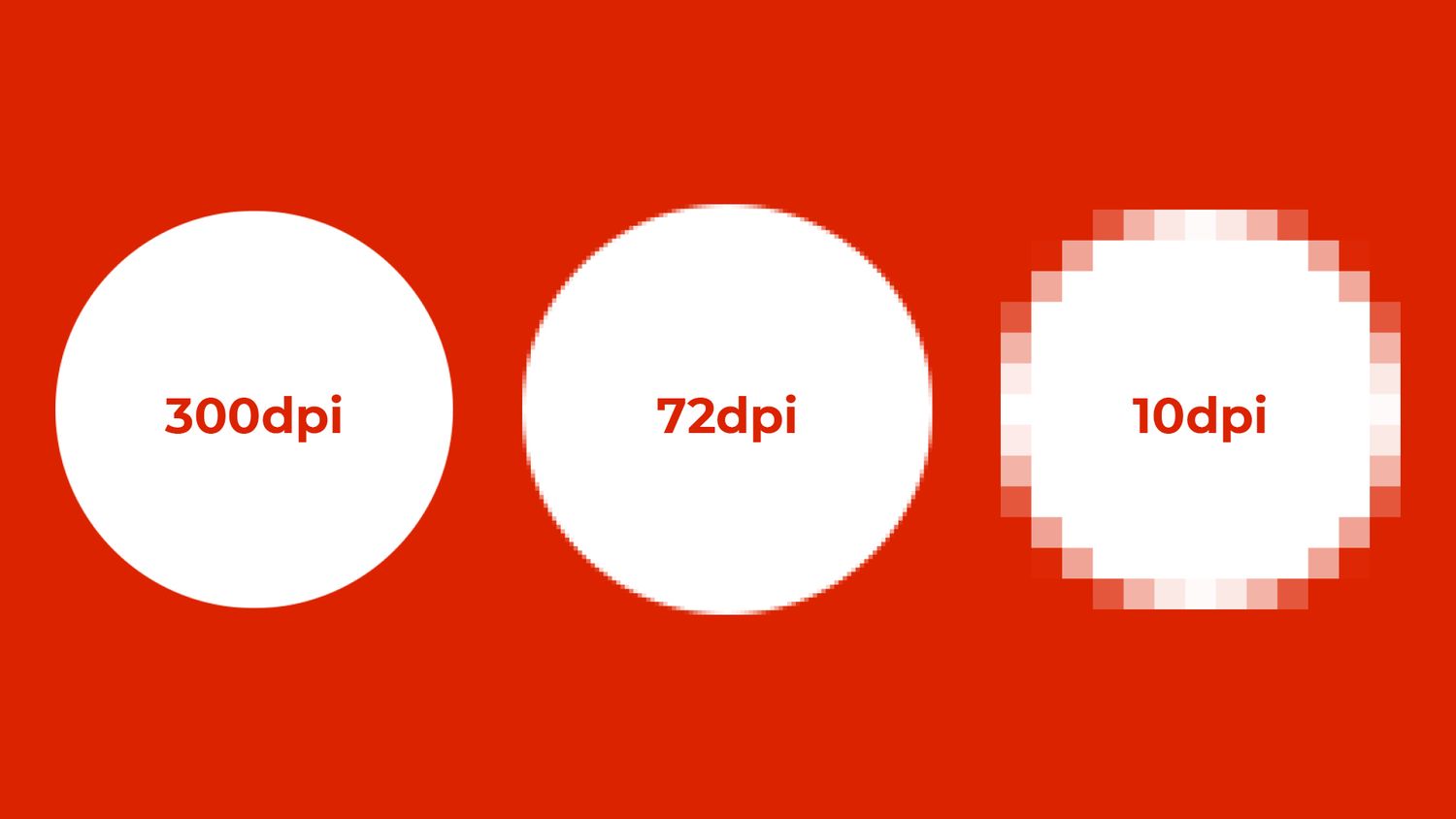
Computer monitors typically display images at a resolution of 72 dots per inch (dpi), which is sufficient for digital use such as websites and online galleries. In these cases, higher resolution is unnecessary, as the screen cannot render additional detail beyond its display capability.
However, printing images involves a different set of requirements. It is widely recognized that the human eye perceives printed images as smooth and continuous when reproduced at 300 dpi. This makes 300 dpi the standard resolution for high-quality printed materials.
It’s important not to confuse the resolution of your image with the resolution specifications of your inkjet printer. These two values refer to different concepts. While you can prepare an image at 300 dpi, your printer cannot alter this resolution directly.
Instead, the printer uses a process known as dithering, in which it performs complex calculations to simulate continuous tones. This allows it to translate the image’s resolution into its own printing pattern, producing a high-quality output that closely matches the original.
.
Understanding the Technology
iNtroduction to File Formats
File Formats and there size
Modern digital cameras allow you to capture images in various file formats, each of which influences both the quality of the image and how it can be used or edited. Understanding these formats is key to managing image quality, storage, and post-processing potential.
Every digital image is composed using three primary color channels: red, green, and blue (RGB). Each channel stores data using 8 bits, and when these channels are combined, they create a 24-bit image. This means that each individual pixel in a photograph contains 24 bits of color information.
For example, an image with dimensions of 2,816 pixels by 2,112 pixels contains a total of 5,947,392 pixels—or approximately 5.9 megapixels. Multiply that by 24 bits per pixel, and the image contains over 142 million bits of data.
Since file sizes are more commonly measured in bytes rather than bits (with 8 bits in a byte), this raw image would require a significant amount of storage—around 17 megabytes for a 6-megapixel file. This illustrates why image file formats and compression methods play such a crucial role in managing digital photography workflows.
Understanding the Technology
iNtroduction to File Formats
JPEG
The default file format used by most digital cameras is JPEG (Joint Photographic Experts Group), a compression standard developed to reduce image file sizes while maintaining good quality. JPEG allows you to store more photos on a memory card or upload them online more efficiently, making it a popular choice for digital photography.
JPEG achieves this by using compression algorithms that reduce the amount of data in the image. These algorithms take advantage of the human eye’s sensitivity to detail over colour, so they compress colour information more heavily than detail. As a result, JPEG can reduce file sizes by up to 20 times with minimal loss in quality, especially for web and screen use.
Digital cameras typically offer quality settings such as Large, Medium, or Small, which control the amount of compression applied. A Large setting ensures high quality with less compression, while a Small setting compresses the image more, reducing quality but saving space. While highly compressed JPEGs are fine for online use, printing shows the drawbacks: heavily compressed images may appear blurry, blocky, and lack fine detail.
JPEG is considered a lossy format because it permanently discards data during compression, which means the quality decreases each time the file is saved. To avoid this degradation, it’s recommended to save edited files in a lossless format like TIFF, which doesn’t compress the image, preserving full quality. However, TIFF files are larger and less suitable for online use or limited storage.

Understanding the Technology
iNtroduction to File Formats
RAW
JPEG technology offers significant advantages in digital photography, most notably the ability to store more images on a memory card due to its compression. However, even minimal compression can reduce image quality, which raises concerns about fidelity, especially at lower quality settings.
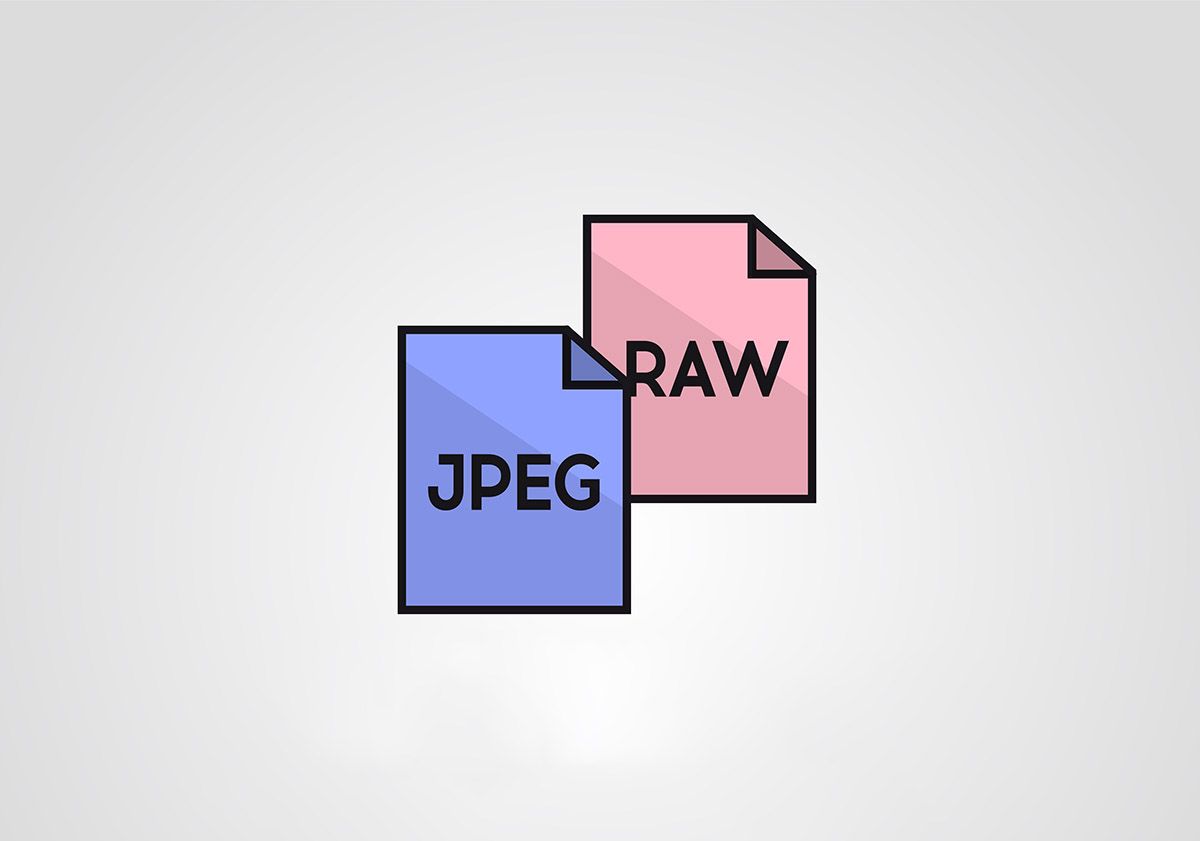
While some argue that the human eye may not always detect the loss in quality at the highest JPEG settings, many photographers have long sought a format that preserves the original image data without in-camera processing. What they needed was a file format that provided an unaltered, faithful reproduction of the scene—essentially, a 'digital negative.'
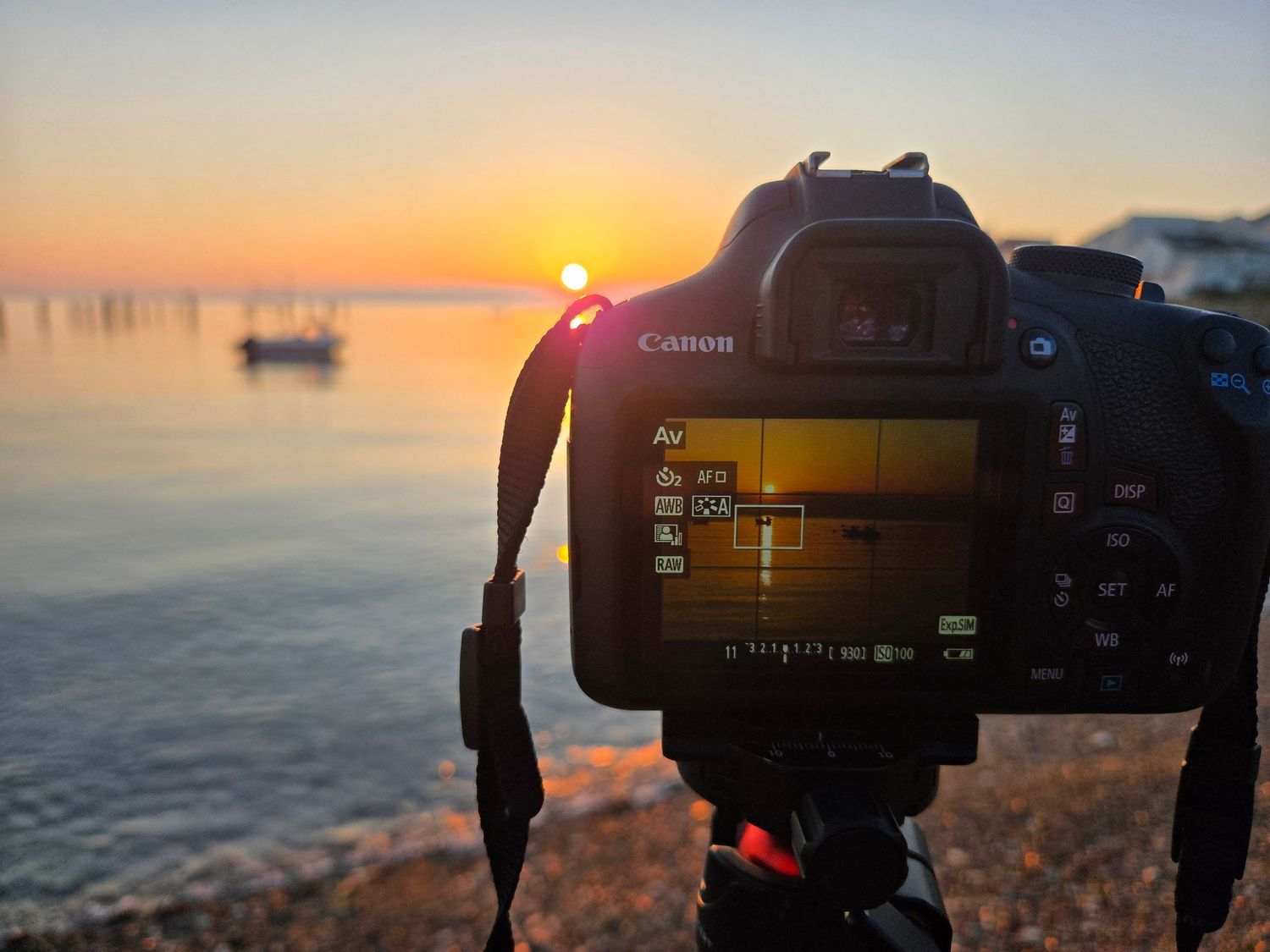
This is where RAW files come in. Unlike JPEG, RAW is not an abbreviation but refers to the unprocessed data captured by the camera’s image sensor. When you take a photo, the sensor records the light hitting each pixel, typically one color per pixel. The camera stores this raw data in a RAW file, without any internal processing like color correction, sharpness adjustments, or noise reduction.
RAW files offer greater flexibility because they allow photographers to adjust key image parameters, such as exposure, white balance, and saturation, after the photo is taken. In contrast, when saving an image as JPEG, the camera’s software processes the data and compresses it into three color channels: red, green, and blue (RGB), which may result in a loss of detail and subtle color variations.
Understanding the Technology
iNtroduction to File Formats
RAW in Detail
One of the key advantages of shooting in RAW is the preservation of both color depth and fine detail. Unlike JPEGs, which compress image data and apply in-camera processing, RAW files retain the full range of information captured by the sensor.
This allows photographers to make significant adjustments during post-processing without degrading image quality. Settings such as white balance, exposure, and color—often baked into a JPEG—can be easily modified in a RAW file after the fact. We’ll explore how to adjust these elements later in the course.
RAW files typically store 12 bits of data per channel, compared to 8 bits in JPEGs. This increased bit depth allows for smoother tonal transitions and more precise control over highlights and shadows. The result is an image with a higher dynamic range—a more balanced and detailed rendering across the full exposure spectrum, from deep shadows to bright highlights.
In simple terms, RAW captures more of the subtle nuances in a scene, giving you greater creative control and a higher-quality final image.
.
Understanding the Technology
iNtroduction to File Formats
File Formats and there size
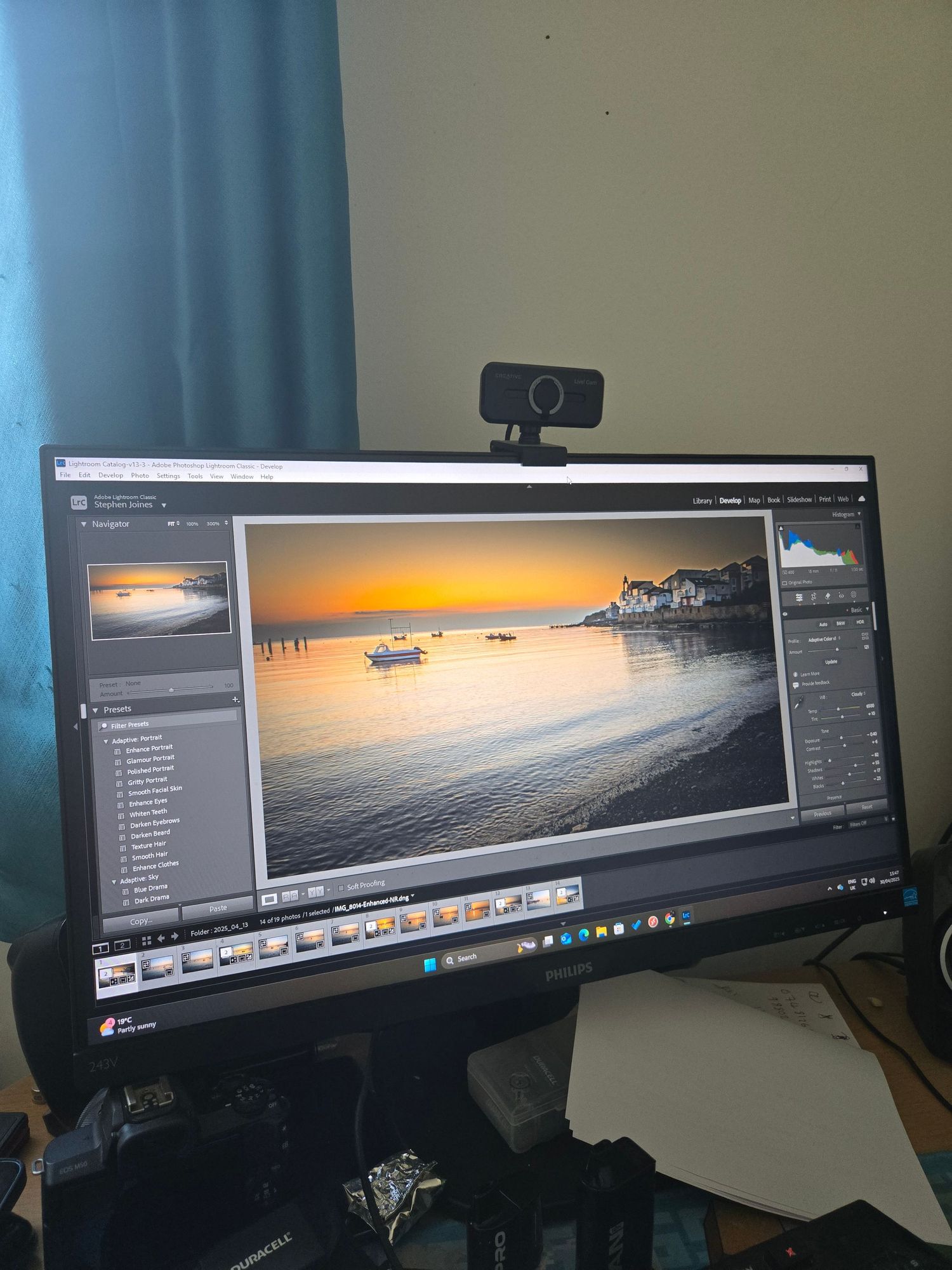
While you can preview RAW images on your camera, viewing and editing them on a computer requires dedicated software. Fortunately, RAW has become a widely supported format, and even entry-level editing programs now offer tools to adjust RAW files. However, unlike the universal JPEG format, RAW files vary between camera manufacturers, meaning compatibility can differ across software.
Programs like Lightroom and PaintShop Pro support a broad range of RAW formats, though they may not offer the same level of control as a camera brand’s proprietary software. In some cases, settings applied in-camera may not be fully accessible through third-party tools, leading to minor differences in how images are rendered.
One common drawback of RAW is its impact on speed and workflow. RAW files are significantly larger than JPEGs and require more processing power to open, edit, and save. In the past, slower write speeds and limited buffer capacity made shooting in RAW less practical for fast-paced photography.
To address this, many cameras now offer the ability to shoot in both RAW and JPEG simultaneously. This gives photographers the flexibility to quickly review and sort images using the JPEG versions, while retaining the RAW files for detailed editing when time allows.
That said, working exclusively with RAW files can be time-consuming. Many photographers joke that RAW shooting is best paired with strong coffee and late nights. While RAW offers superior control and image quality, the extended editing time can be a challenge—especially when processing large batches of images.
Understanding the Technology
iNtroduction to File Formats
RAW - Key Considerations
Quality
When image quality is the top priority, shooting in RAW consistently delivers superior results. RAW files capture all the data recorded by the camera’s image sensor, preserving subtle details and tonal variations that are often lost in compressed formats. For this reason, RAW is often referred to as a "digital negative", offering the most faithful representation of a scene.
Versatility
Unlike JPEGs, which lock in exposure, white balance, and sharpening at the time of capture, RAW files retain this data in a flexible, unprocessed state. This means you can revisit the image later and make adjustments to key settings—such as colour temperature, exposure, or sharpness—using RAW editing software. This flexibility provides a significant advantage during post-production.
Processing Power
In-camera JPEG processing relies on limited hardware resources and pre-set algorithms. RAW files, by contrast, are processed on a computer using more advanced software and significantly greater processing power. This allows for the use of more sophisticated algorithms, resulting in more accurate colours and finer image detail.
Data Storage
RAW files store much more information than JPEGs, particularly in terms of bit depth. While JPEGs are typically 8-bit files, RAW data can be processed into 16-bit TIFFs, which offer a far wider range of brightness levels and smoother tonal transitions. This increased bit depth is especially important for retaining detail in highlights and shadows, where JPEGs often clip or lose information.